
Settings & Data
Gemini AI Key & Model
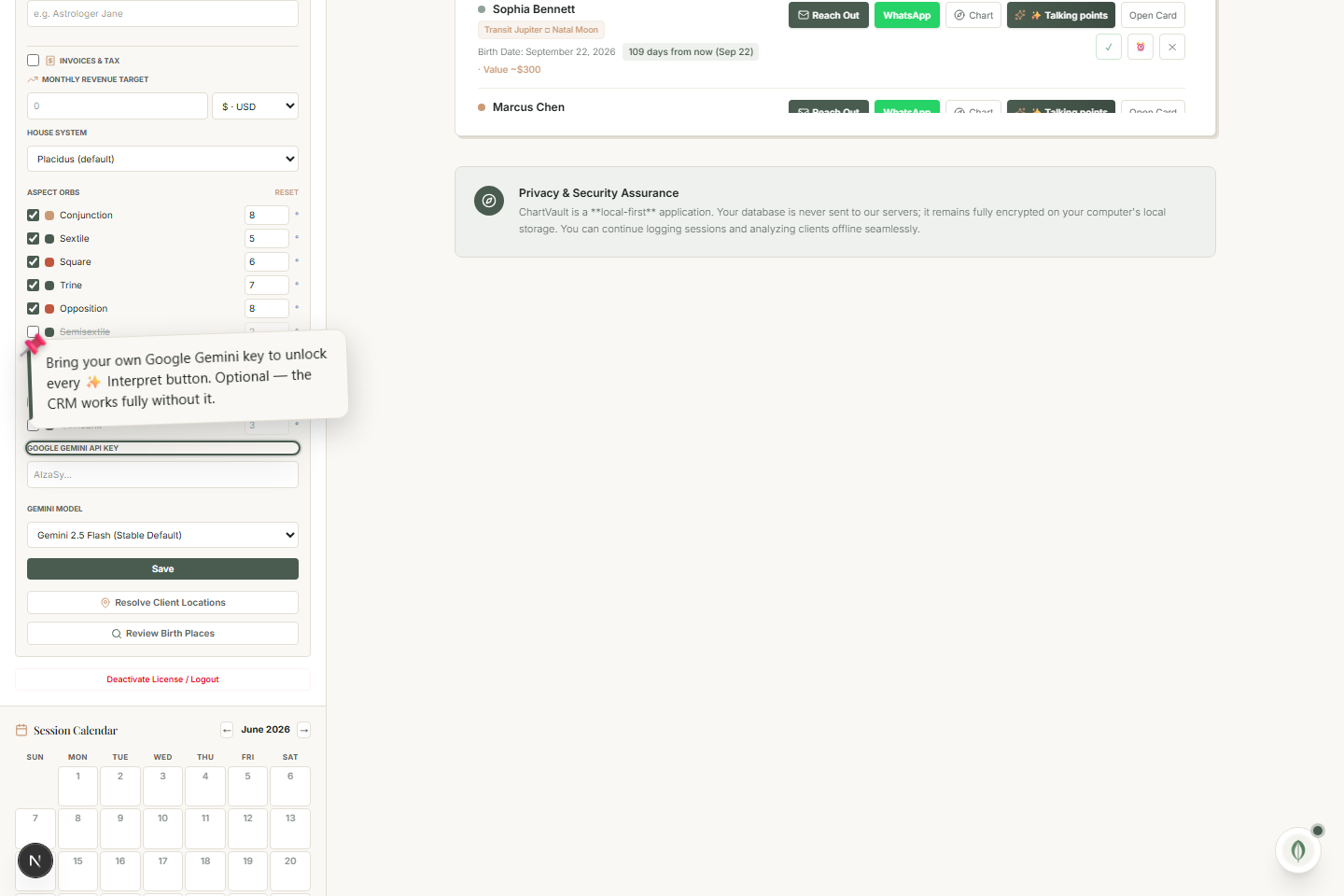
Bring your own Google Gemini key to unlock every ✨ Interpret button — optional, the rest of ChartVault works without it.
ChartVault's AI features use your own Google Gemini key. This keeps you in control and means the AI is never a hidden subscription cost.
Add your key
- Get a free Gemini API key from Google.
- Open the AI settings panel and paste it in.
- Optionally pick the model to use.
Once a key is set, every ✨ Interpret button activates: chart and panel interpretation, the whole-chart synthesis, the AI session tools, the pre-session brief, and ✨ Coach me in Practice Health.
Entirely optional
Every chart, every panel, the whole CRM, packages, receipts, the calendar and the outreach loop work without a Gemini key. The ✨ buttons simply stay inactive until you add one — so you can run ChartVault fully without AI if you prefer.