
Running Your Practice
Receipts & Your Own Tax
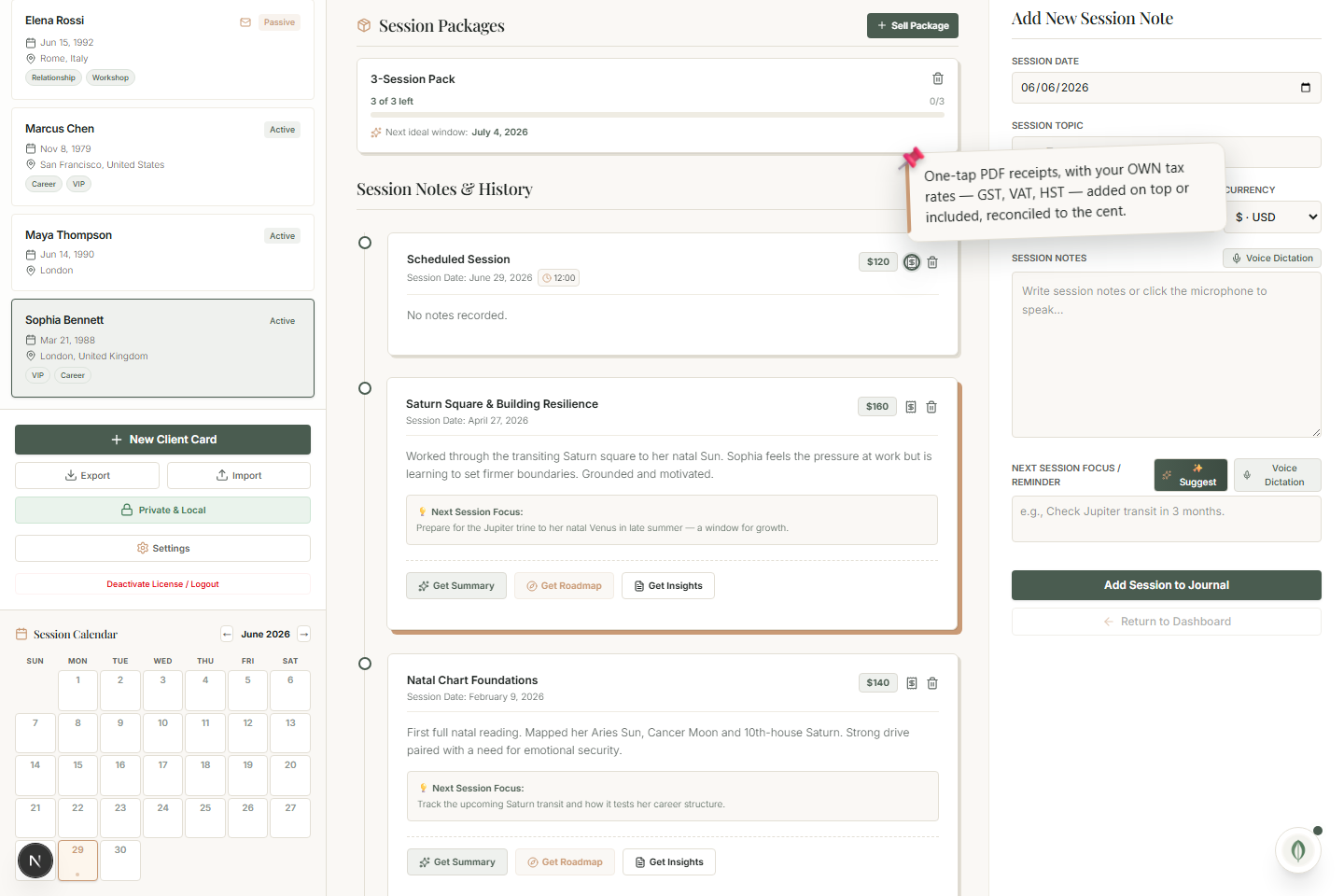
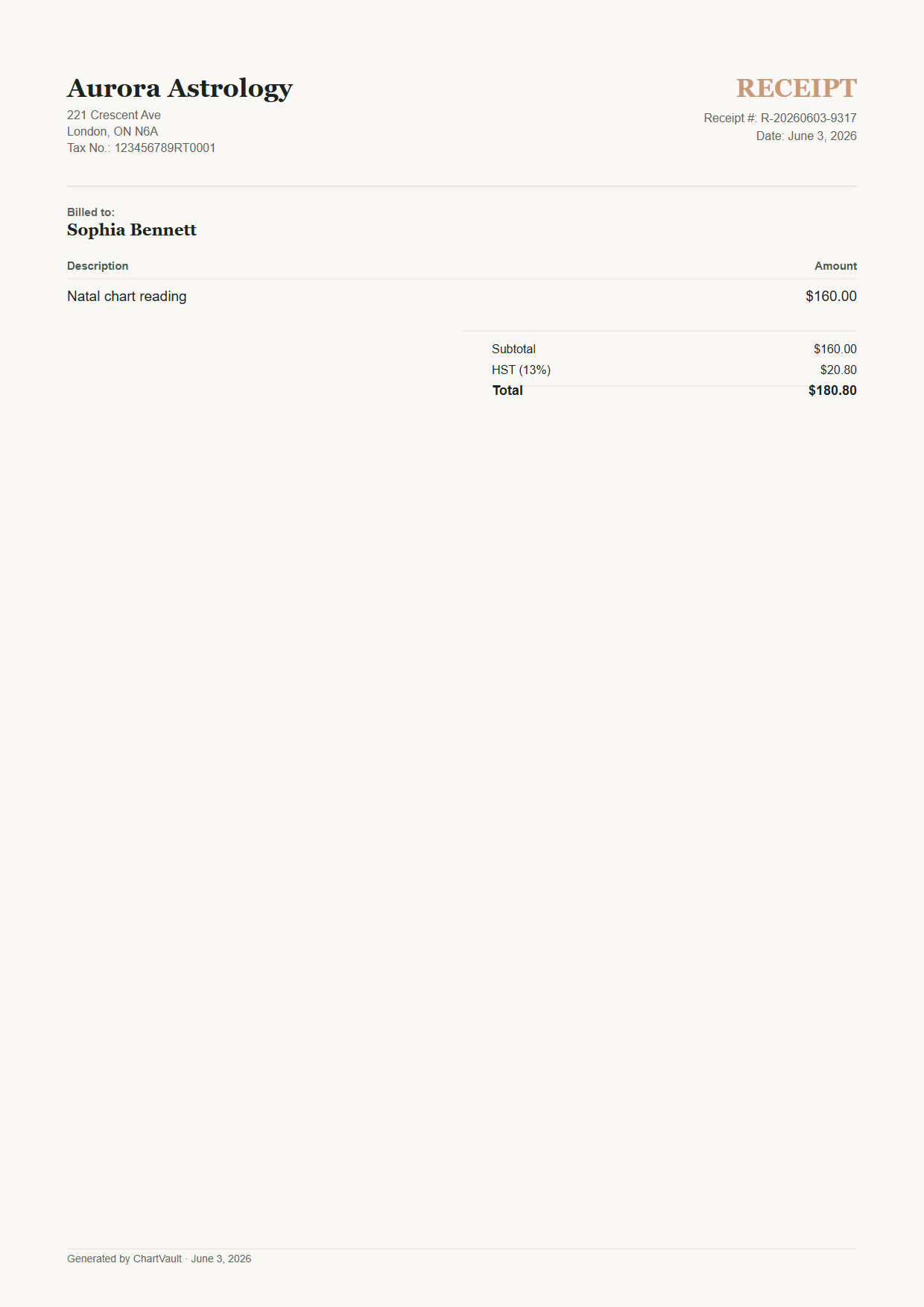
One-tap PDF receipts with the tax rates you define — GST, HST + compound PST, or VAT on top or included — reconciled to the cent.
Every session and package can produce a clean PDF receipt, using your own tax rules. Nothing is baked in, so it works wherever you practise.
Print a receipt
- Click Receipt on a session or a package.
- ChartVault produces a one-page PDF with your name, address, tax number and the totals.
- Save, print or email it.
You define the tax
Enter your own rates in Settings → Invoices & Tax — none are assumed:
- United States — no tax, if that's your situation.
- Canada — GST, or GST plus a compounded PST.
- EU / UK — VAT added on top, or included in the price.
Whatever you set, the figures on the receipt reconcile to the cent.
Most astrologers issue none
Clean, tax-correct receipts set your practice apart — and most astrologers issue no receipts at all today. Because you control the rates, ChartVault fits your jurisdiction rather than forcing one.
Set your rates and business number once in Settings & Data → Invoices & Tax.