
Running Your Practice
Voice-Dictated Notes
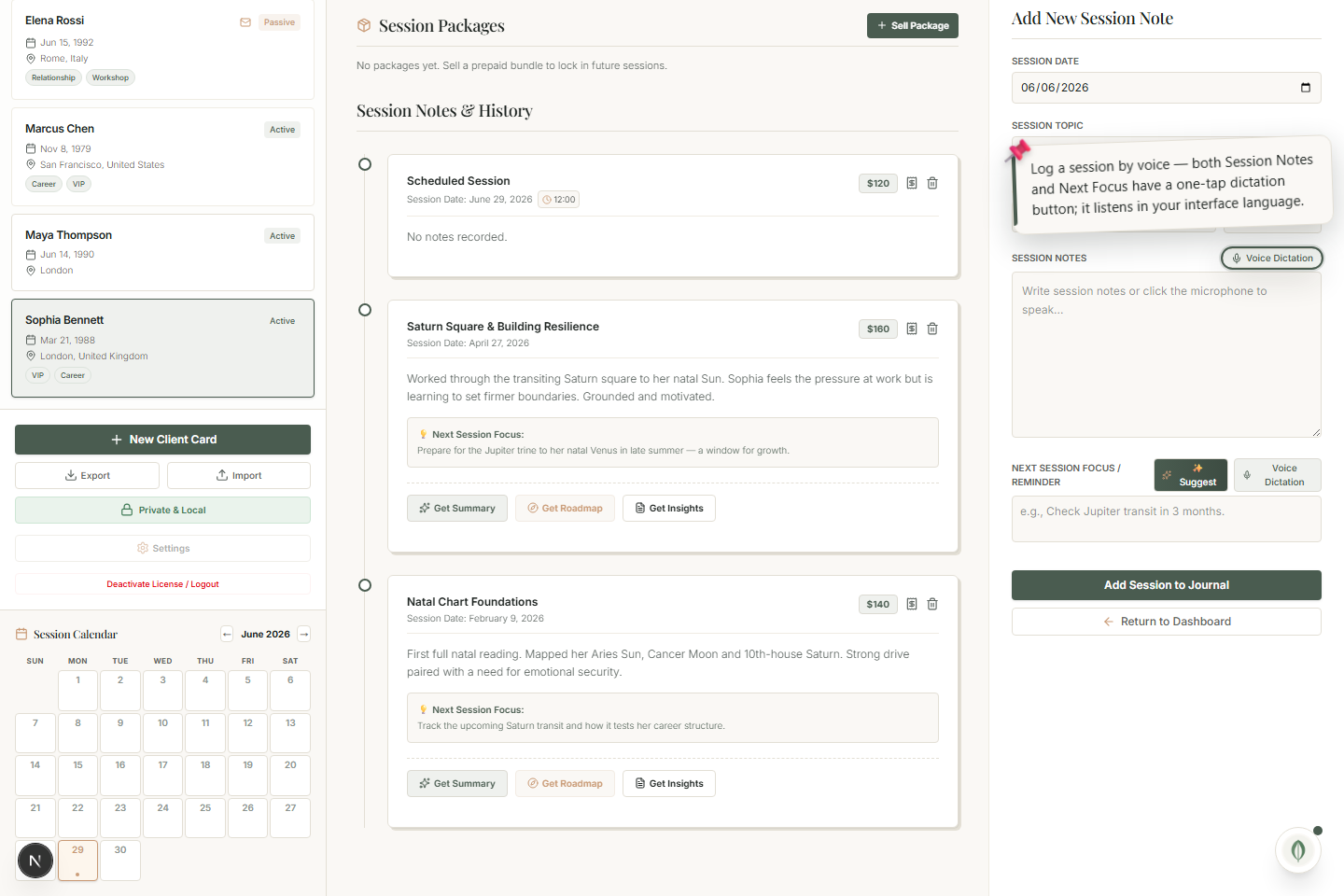
Capture a whole session by speaking — the Notes and Next Focus fields each have a one-tap voice button.
You don't have to type your session notes. Both the Session Notes and the Next Focus fields have a one-tap voice button.
Dictate a note
- Tap the voice button on the Notes (or Next Focus) field.
- Speak naturally.
- Tap to stop — your words become written text instantly.
It listens in your language
Recognition follows your interface language automatically, so it listens in the language you actually work in — no separate setting to change.
Hands free, between clients
Dictation is ideal for capturing a session the moment it ends, while it's fresh, without sitting down to type. The text drops straight into the field, ready to save or to feed the AI session tools.