
Running Your Practice
Calendar & Scheduling
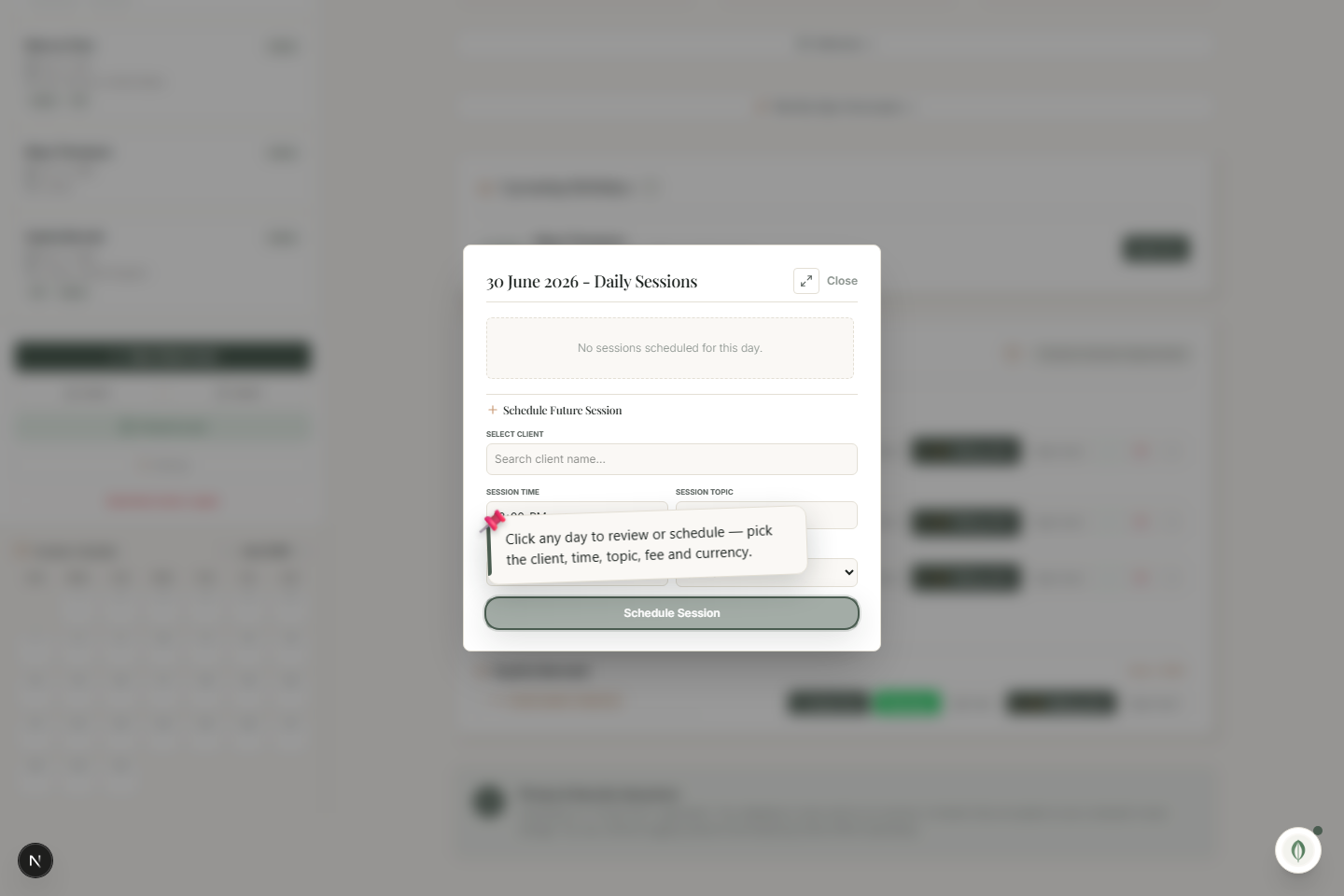
Click any day to review booked sessions or schedule a new one — client, time, topic, fee and currency.
The calendar keeps your week readable. Open it from the sidebar.
Schedule a session
- Click any day on the calendar.
- Review what's already booked that day, or schedule a new session.
- Pick the client, time, topic, fee and currency.
- Save — the appointment is booked.
Booked sessions also appear in the dashboard's Upcoming Appointments panel, where you can send reminders and confirm them.
No online-booking service needed
Scheduling is built in and fully offline — there's no third-party calendar or booking site involved, and nothing about your week leaves your computer.