
Activation & License
Activate your lifetime ChartVault license — purchased once, verified offline, yours forever.
ChartVault uses a single lifetime license — one purchase, no subscription. The key is verified offline, so once activated the app never has to phone home.
Activate your license
- Launch ChartVault. On first run the activation screen appears.
- Paste the license key from your purchase email.
- Click activate. The app verifies the key locally and unlocks immediately.
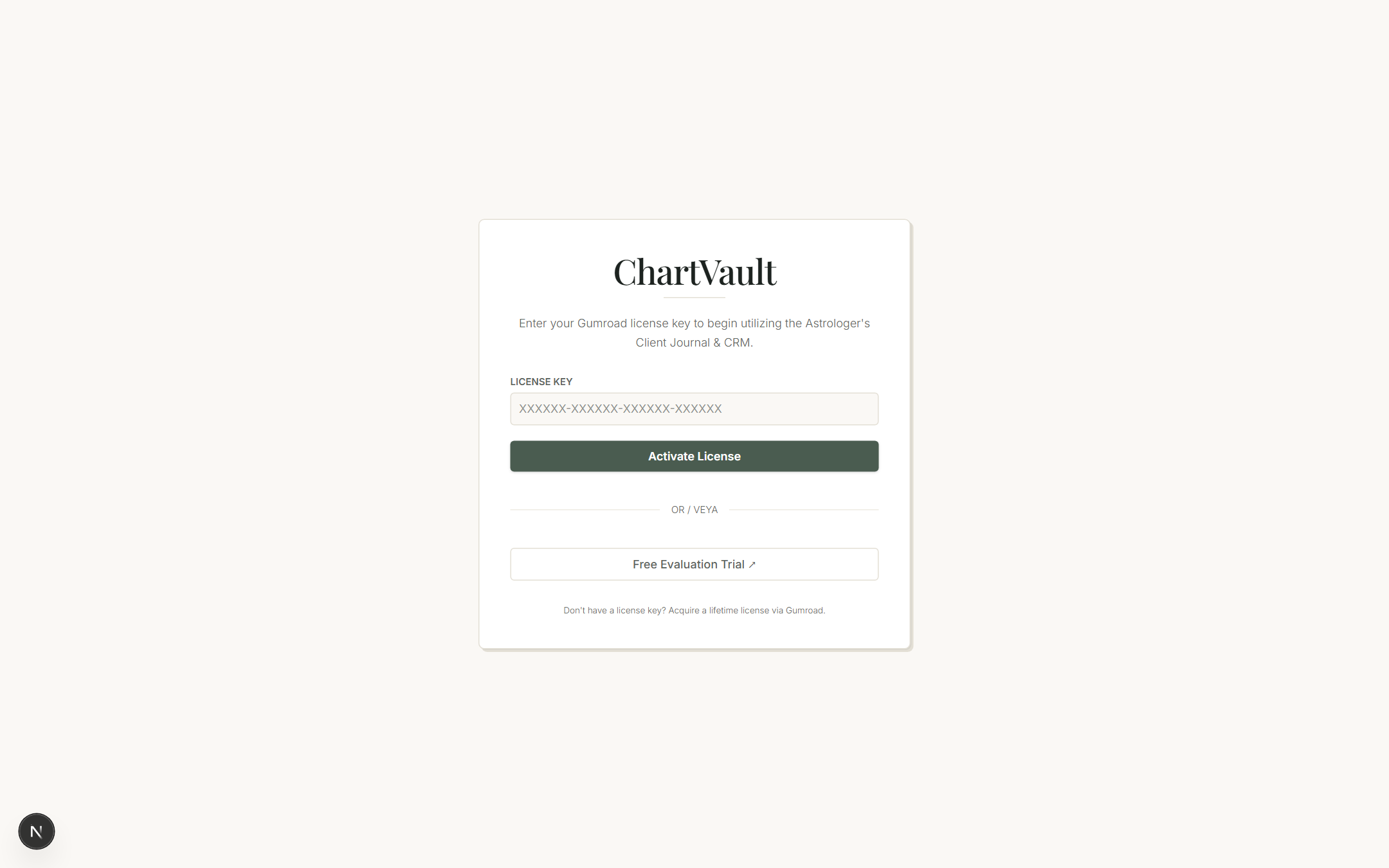
That's it — there's no account to create and no online login. Your key is bound to your purchase, not to a cloud profile.
How the offline check works
ChartVault verifies the key with a built-in public key (Ed25519). The check runs entirely on your computer: there is no "license server" call on launch, so the app keeps working with no internet, on a plane, or behind a strict firewall. This is the same principle that keeps your client data local — nothing leaves the machine.
Buying a license
You purchase through a secure Stripe checkout. After payment, your lifetime key arrives by email; paste it into the activation screen as above. A single key unlocks the full app — every chart type, the CRM, the practice tools and the marketing features. (AI features additionally need your own Gemini key, which is free to obtain from Google.)
Free trial
If you're evaluating ChartVault, a free trial lets you explore the app before buying. The trial activates once and then runs locally for its duration. When it ends, add a lifetime key on the same activation screen to keep going — your data is untouched throughout.
Moving to a new computer
Your license travels with you: install ChartVault on the new machine, activate with the same key, and restore your backup file. Nothing is tied to a specific device.