
Orbs & Minor Aspects
Set your own orb for each aspect, switch minor aspects on or off, and every chart, grid and synastry table follows your house style.
Aspect orbs are a matter of house style, so ChartVault lets you set your own — once — and applies them everywhere.
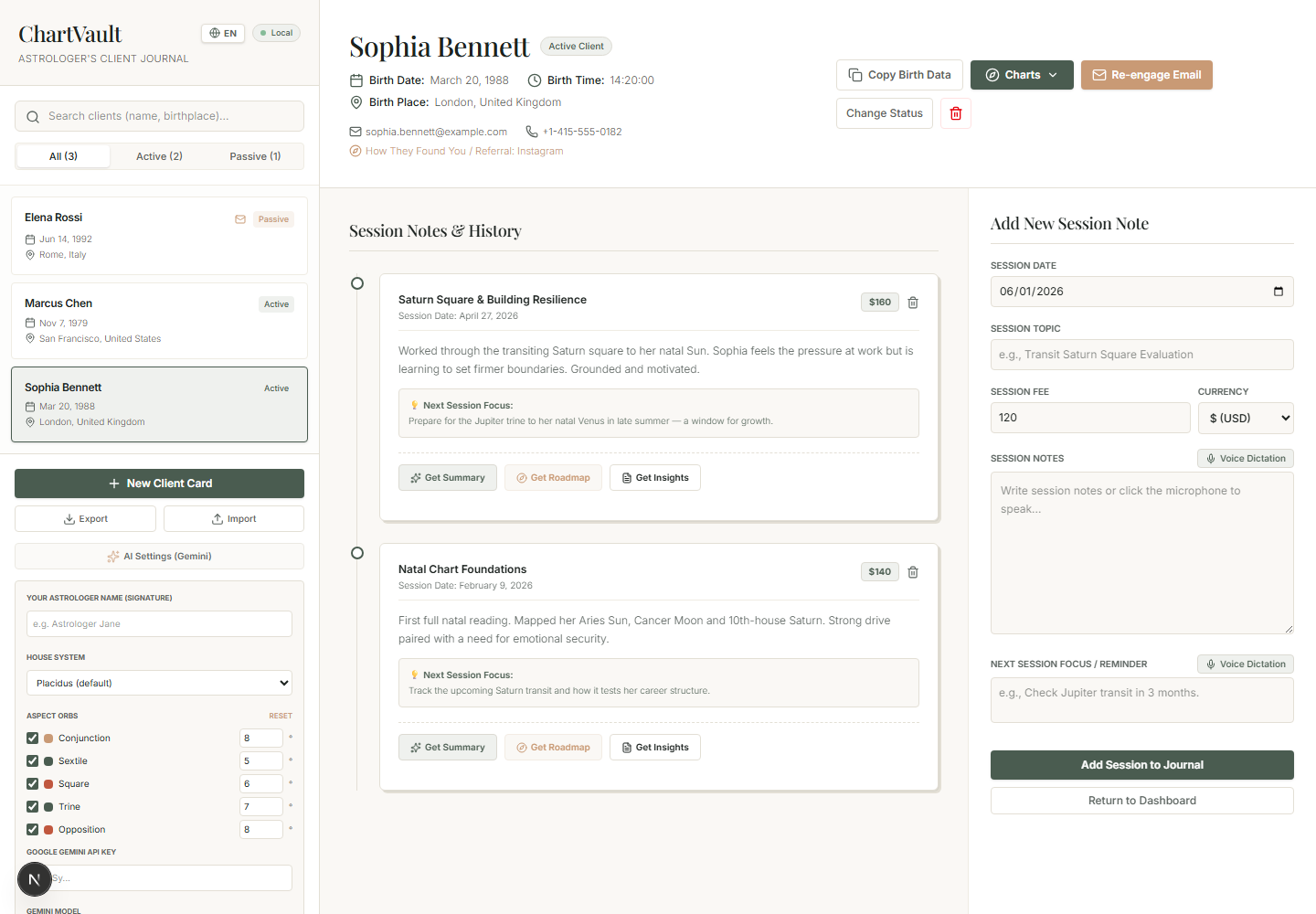
Set your orbs
- Open Settings → orbs (or the orb controls within a chart).
- Adjust the orb for each aspect, or switch an aspect off entirely.
- Enable the minor aspects you use.
Every wheel, the aspect grid, the detected chart patterns and the synastry cross-aspect list immediately follow your settings — there's no per-chart re-configuring.
Aspect colours
Across the whole app, aspects are colour-coded consistently so the pattern is readable at a glance:
| Colour | Aspect group |
|---|---|
| Gold | Conjunctions |
| Sage | Harmonious (trine, sextile) |
| Terracotta | Hard (square, opposition) |
Your settings, your charts
Orb and minor-aspect choices are global preferences, not per-client. Change them once and your entire practice's charts re-read to your standard.
The Analysis Panels
Under every chart sits the full classical and modern toolkit — dignities, aspects, patterns, profection, sect, releasing, fixed stars, asteroids, midpoints and more.
AI Interpretation
Tap ✨ Interpret on any placement, aspect or panel and get a real, chart-specific reading grounded in the computed data — never generic horoscope filler.