
Insight & Growth
Data Explorer
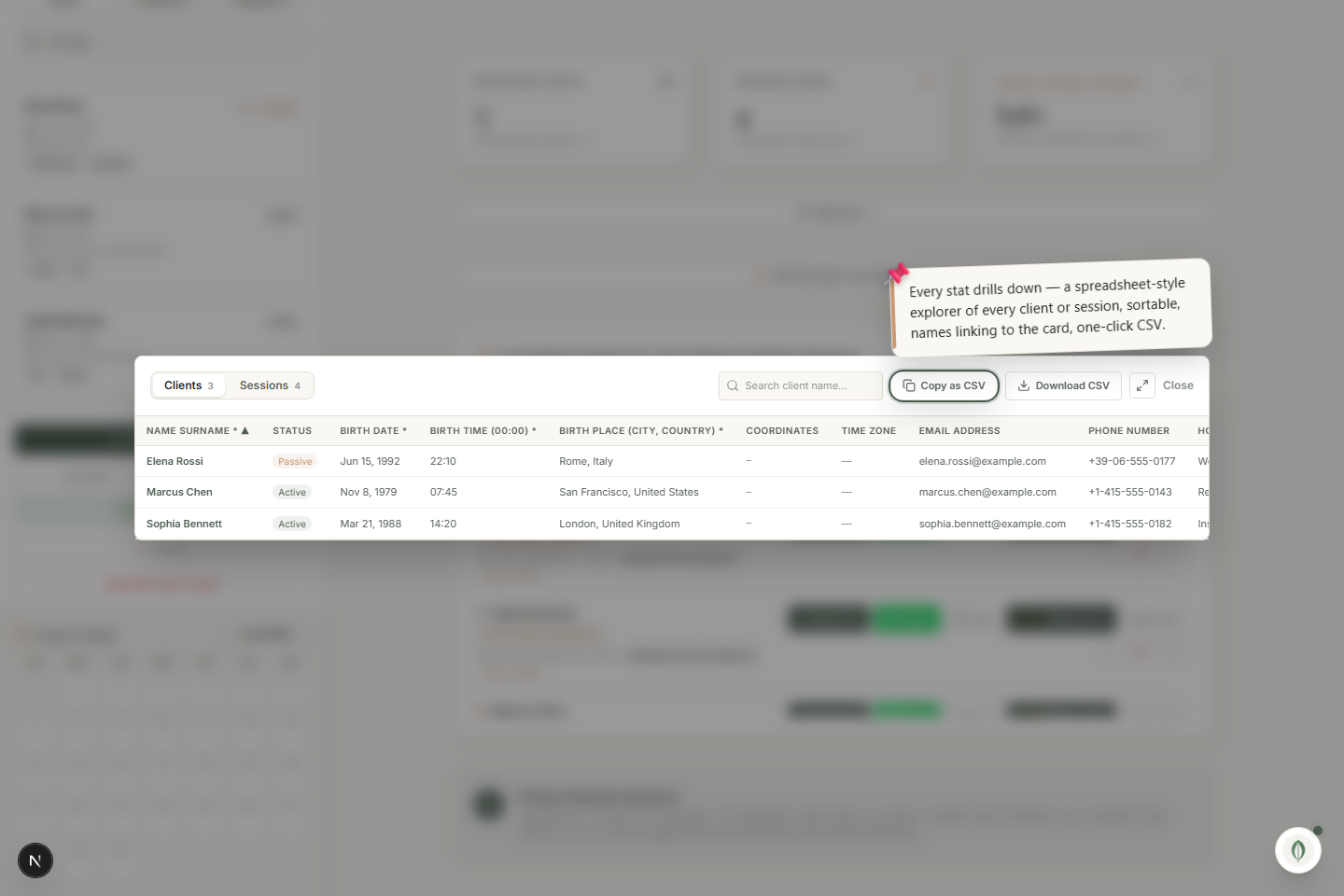
Click a stat card to open a spreadsheet-style view of every client or session, sortable, with one-click Copy as CSV.
Every stat card on the dashboard drills down. The data explorer turns the headline numbers into a full, sortable table.
Open the explorer
Click Registered Clients or Sessions Logged on the dashboard. A spreadsheet-style view opens with every record and every field in columns.
What you can do
- Sort by any column.
- Search to filter the rows.
- Click a name to jump straight to that client's card.
- Copy as CSV — one click copies the whole table for a spreadsheet, an accountant, or your own analysis.
Your data, in your hands
The CSV export is generated locally — nothing is uploaded. It's the quickest way to take your practice's data anywhere else you need it.